The AI picks the best moments
It listens to and watches the whole video, then scores each clip on hook, pacing, value and trend, with the reason behind the pick.
Upload a podcast, interview or talk. MomentCut finds the best moments and turns them into vertical clips with captions.
Create my clips for free15 free minutes. No card needed.
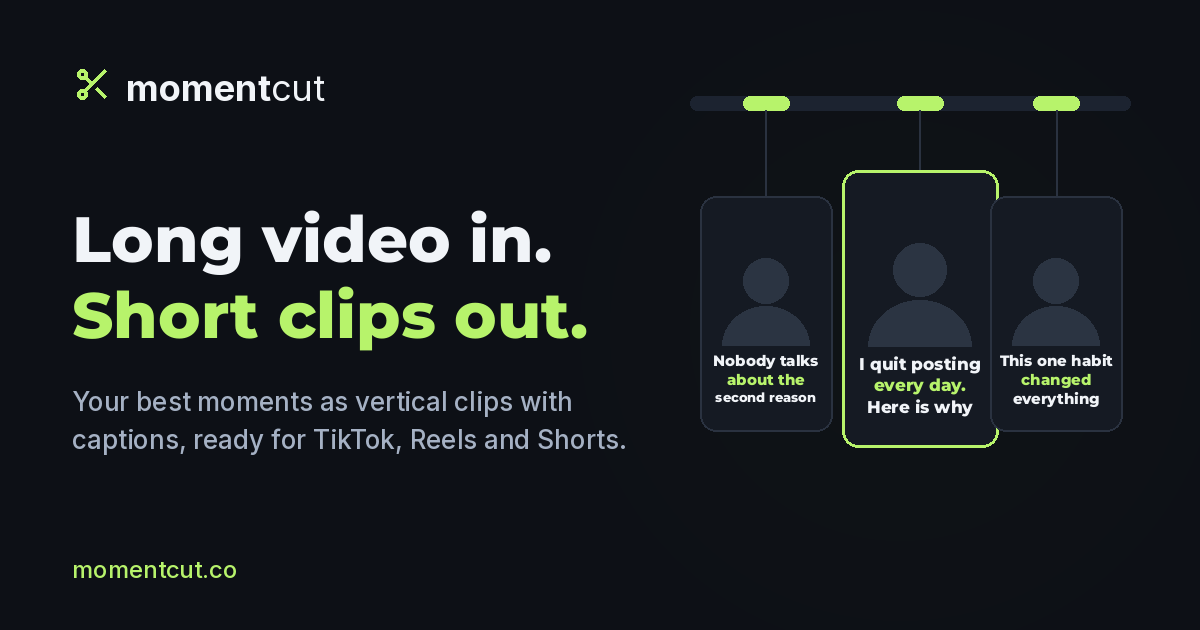
Here is what MomentCut made from this video, with no retouching: captions and 9:16 reframing included.
3 generated clips
Hover over or tap a clip to play it (muted).
Video: “Ward Cunningham, Inventor of the Wiki”, Vgrigas (Wikimedia Foundation), CC BY-SA 3.0. Excerpt and clips adapted by MomentCut (cutting, reframing, captions) and shared under the same license. Neither the interviewee nor the video’s author endorses MomentCut.
MP4, MOV or WebM, up to 30 GB (20 GB on the free trial).
AI scores each moment and tells you why it picked it.
1080p vertical clips with captions burned in, plus an SRT file.
What the AI does for you
The AI listens to and watches your video, picks the passages worth sharing, keeps the speaker in frame and writes the captions. You keep the final say on every clip.
It listens to and watches the whole video, then scores each clip on hook, pacing, value and trend, with the reason behind the pick.
Face tracking follows the face you pick and turns wide shots into 9:16, no manual cropping.
Highlighted as they are spoken. Choose the style and the font.
Connect your MomentCut account once, then ask your assistant to import a video, find the best moments and export a clip. Projects are shared with the studio.
The free plan gives you 15 minutes of video and 3 Full HD exports with a small watermark, 5 projects per account. No card, no commitment.
Start for free, upgrade when you publish more. Cancel anytime.
Start publishing your clips without a watermark.
Billed once a year · 2 months free
equal to 8.33 USD per month
Renews automatically every year, cancel anytime. E-mail reminder before renewal.
Excluding tax · VAT calculated at checkout
Create more, with 300 minutes per month.
Billed once a year · 2 months free
equal to 16.66 USD per month
Renews automatically every year, cancel anytime. E-mail reminder before renewal.
Excluding tax · VAT calculated at checkout
15 minutes once · 3 watermarked Full HD exports
5 projects and 20 GB of storage · files up to 20 GB · exports kept 7 days · source video kept 30 days without use
MP4, MOV or WebM files up to 30 GB (20 GB on the free trial) and 60 minutes: podcasts, interviews, talks, webinars or livestreams. Upload from your device or paste a direct link to the file (up to 2 GB).
Ten spoken languages, including English, Spanish, French, Italian, German, Portuguese and Arabic. The app itself is available in English, French, Spanish, Italian, German and Portuguese.
Only on the free plan. Paid plans export in 1080p without a watermark.
Yes, from your account. Your plan stays active until the end of the period you already paid for.